








How to Create and Set Up Your Stremize Account
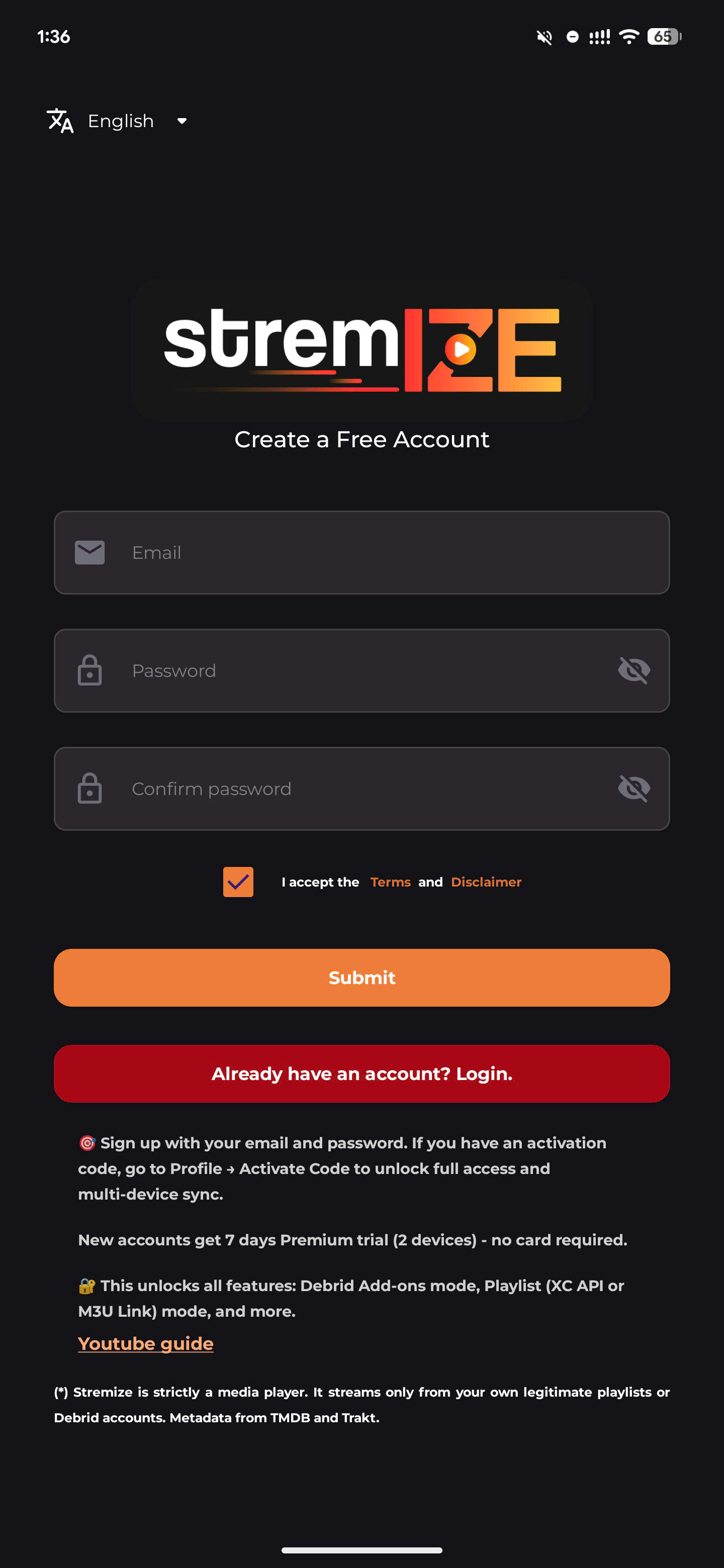
You can create a Stremize account from the mobile / TV app or from the Stremize website.
-
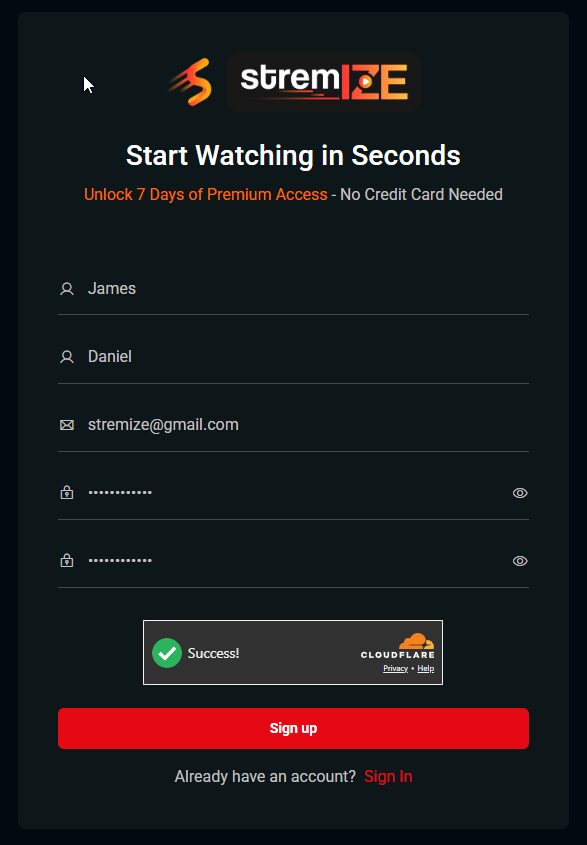
On the website, you can sign up using your email address.
-
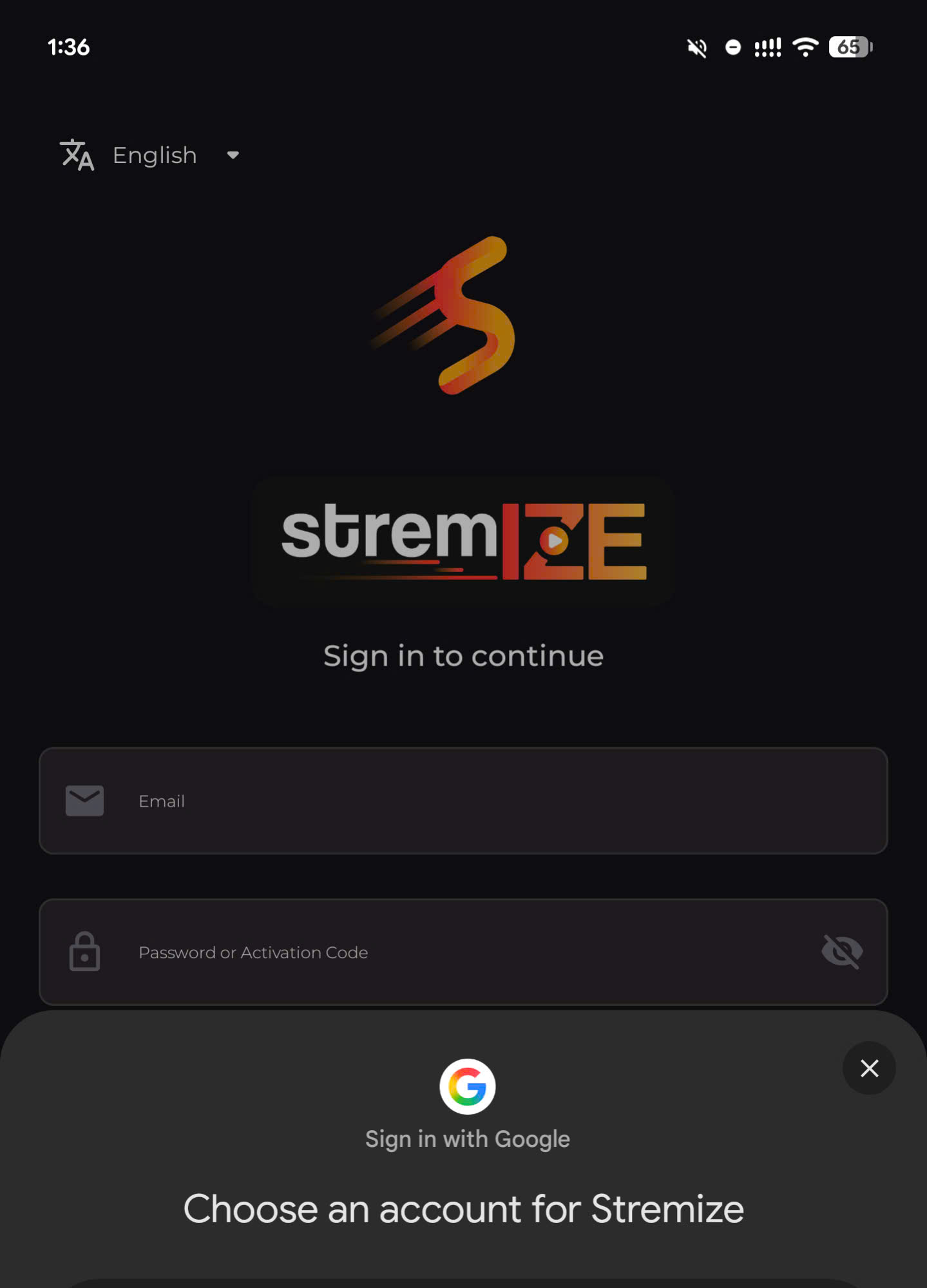
On the mobile app, you can sign up using your email or sign in with your Google account.
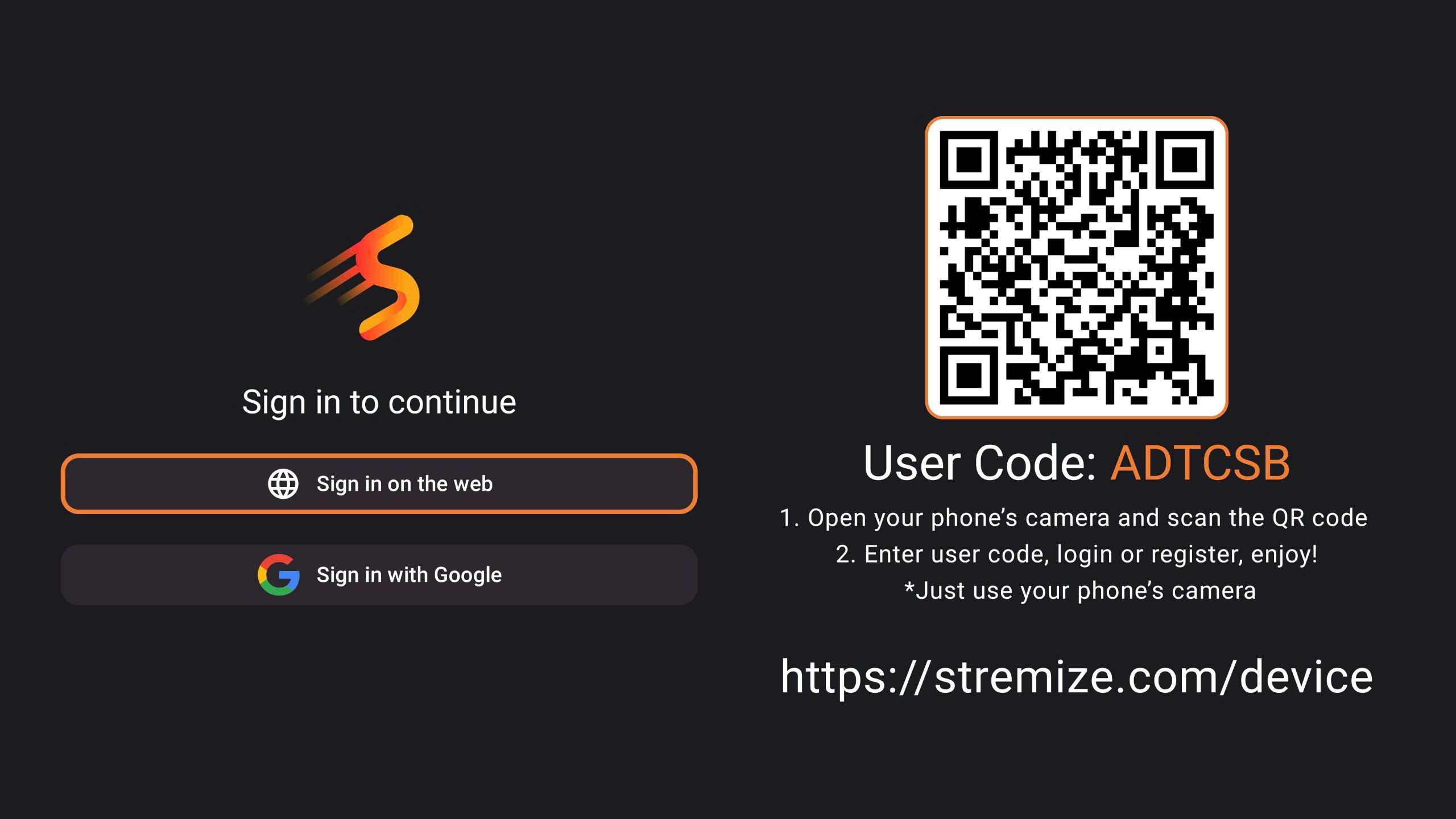
- On the TV app, you can sign in with your Google account.
All methods create the same Stremize account and your settings will automatically sync across your devices.
1. Create Your Account
You can sign up using one of the following options.
Option 1 - Sign up from the Stremize App
Open the Stremize app on your Android phone / TV
Choose one of the following methods:
-
Sign up using your email address - Create an Account
-
Sign in with your Google account - Continue with Google
Follow the instructions on the screen to complete registration.
Option 2 - Sign up from the Stremize Website
Open the Stremize website and go to the Signup page.
Enter your email address and create a password to register your account.
Or Sign in with your Google account
2. Sign In to Your Account
After creating your account, sign in using the same method you used during registration.
You can sign in from:
-
the Stremize app on Android phones
-
the Stremize app on Android TV (using QR code sign in from phones or sign in with Google)
-
the Stremize website
Your account keeps your settings synchronized across devices.
3. Open Your Account Dashboard
After signing in on the website, open your account dashboard .
From the dashboard you can manage your Stremize setup in one place.
Many users prefer setting up their account from the website because it is easier to manage settings on a larger screen.
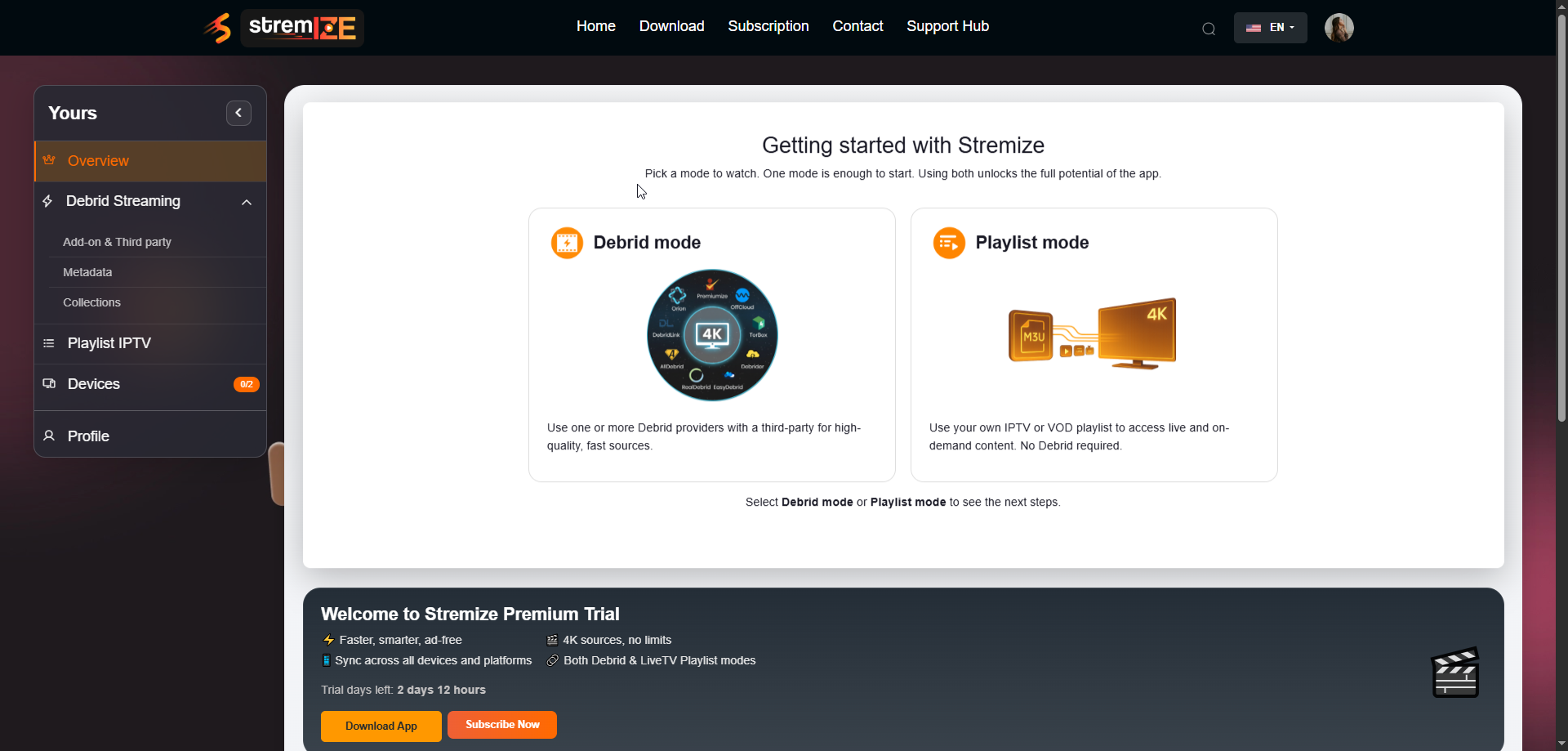
4. Prepare Your Streaming Setup
From your dashboard you can prepare your streaming setup before opening the app.
For example, you can:
-
connect your streaming services
-
add playlists
-
activate your subscription
All settings will automatically sync with the Stremize app on your devices.