








How to Set Up LiveTV & Playlist Mode in Stremize
Playlist Mode allows you to watch live TV channels or on-demand content using your own playlist.
You can configure playlists from the Stremize website dashboard or directly from the Stremize mobile app.
All playlists are linked to your account and will automatically sync across your devices.
Stremize supports the following playlist formats:
-
M3U playlists
-
Xtream Codes API
1. Open Playlist Settings
Open the Playlist IPTV section in your Stremize dashboard or mobile app.
This section allows you to add and manage your playlists.
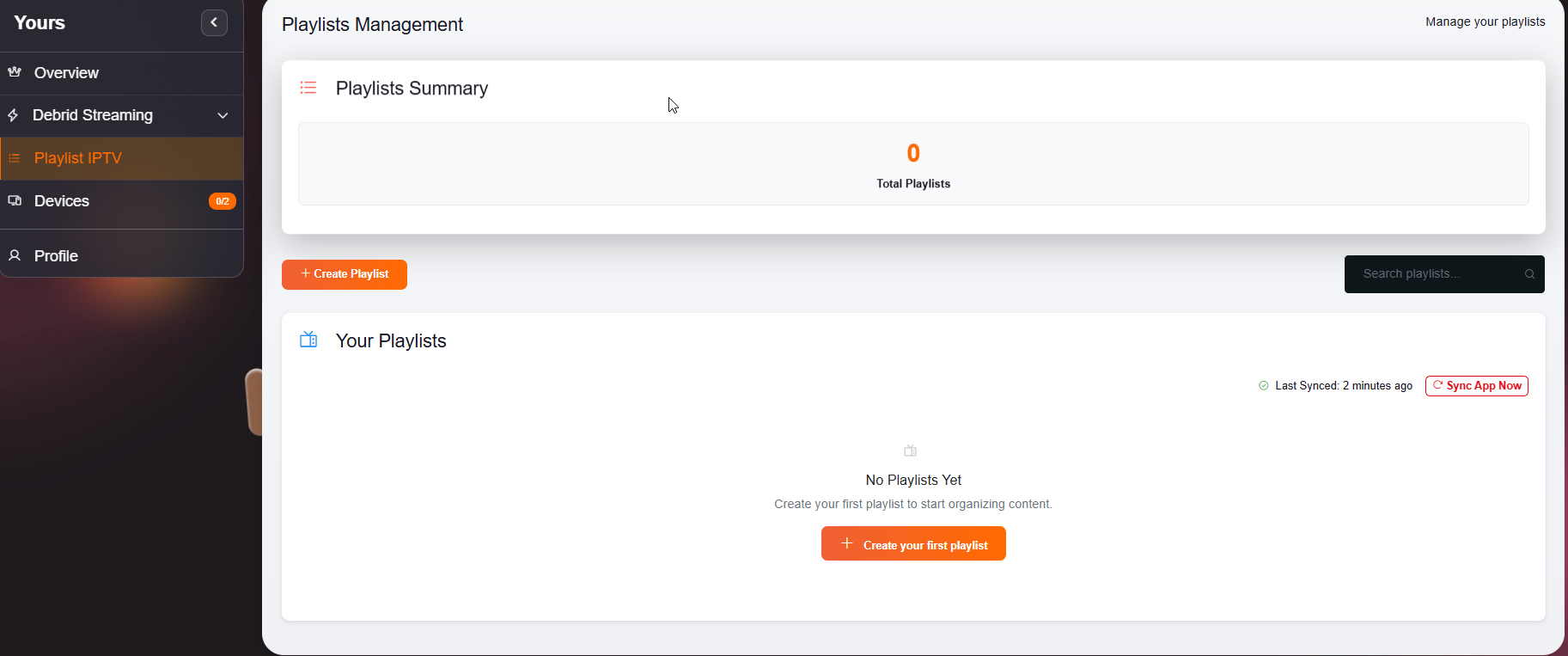
2. Add a New Playlist
Select Add Playlist.
You will see several supported playlist types.
The most common options are:
-
M3U & EPG
-
XC API
3. Enter Playlist Information
Fill in the required fields.
For a M3U playlist, enter:
-
a name for your playlist
-
the M3U playlist link provided by your service
For a XC API, enter:
-
Host / Server URL
-
User name & password provided by your service
Then select Submit to save the playlist.
4. Sync With Your Devices
After saving the playlist, the configuration will be stored in your account.
When you open the Stremize app on your phone or TV, the playlist will appear automatically.
No additional setup is required on each device.
5. Open Playlist Mode in the App
Open the Stremize app and switch to Playlist Mode.
The playlist may take some time to fetch data when used in the Stremize app for the first time. This usually takes around 30 seconds, so please be patient.
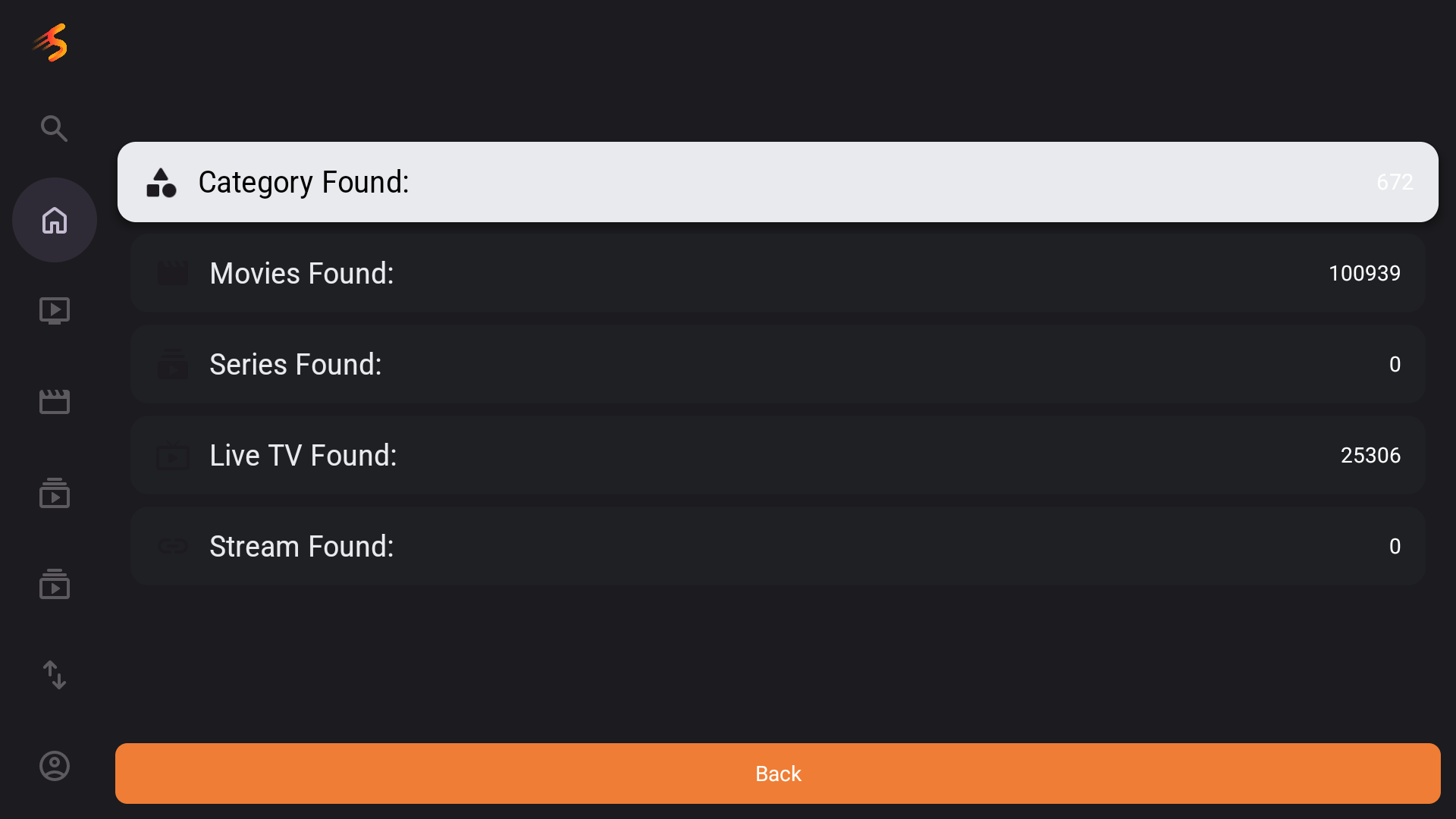
You can now browse:
-
live TV channels
-
movies and TV shows from the playlist
-
categories provided by the playlist source