








How to Install Stremize on Android phones and Android TVs
1. Supported Devices
Stremize works on most devices that use the Android operating system. You can install the app on a wide range of devices, including:
-
Android phones
-
Android tablets
-
Android TV devices
-
Google TV devices
-
Fire TV devices
For the best experience, it is recommended to use a device released in recent years with a stable internet connection.
2. Installing Stremize on Android Phones
Download from Stremize Google Play Official Store.
3. Installing Stremize on TV
3.1. Method 1 - Install Using the Downloader App (Recommended)
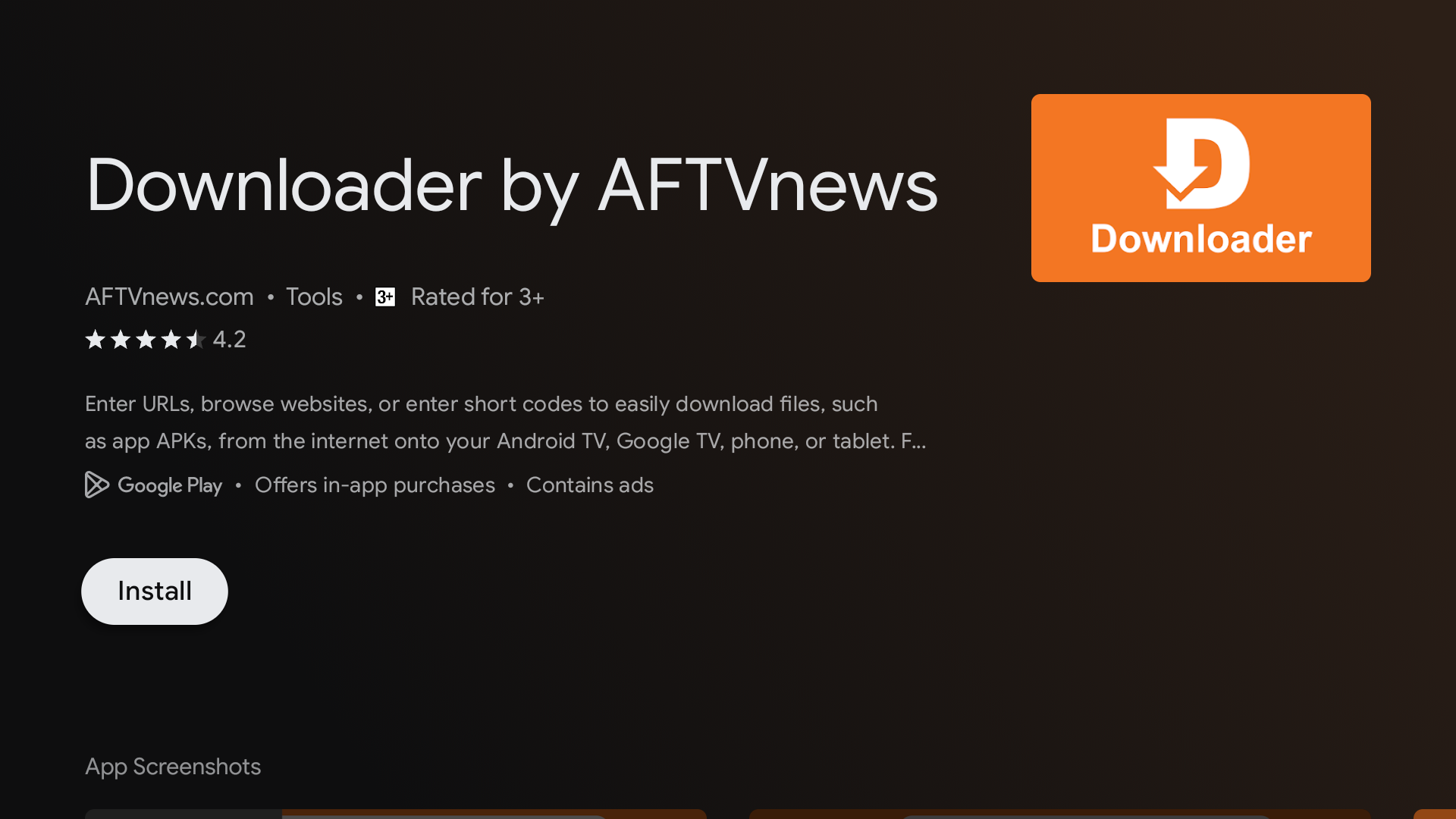
Step 1 - Install the Downloader App
Open the app store / google play store on your TV and search for Downloader by AFTVnews.
Install the app and open it.
Step 2 - Enter the Stremize Download Code
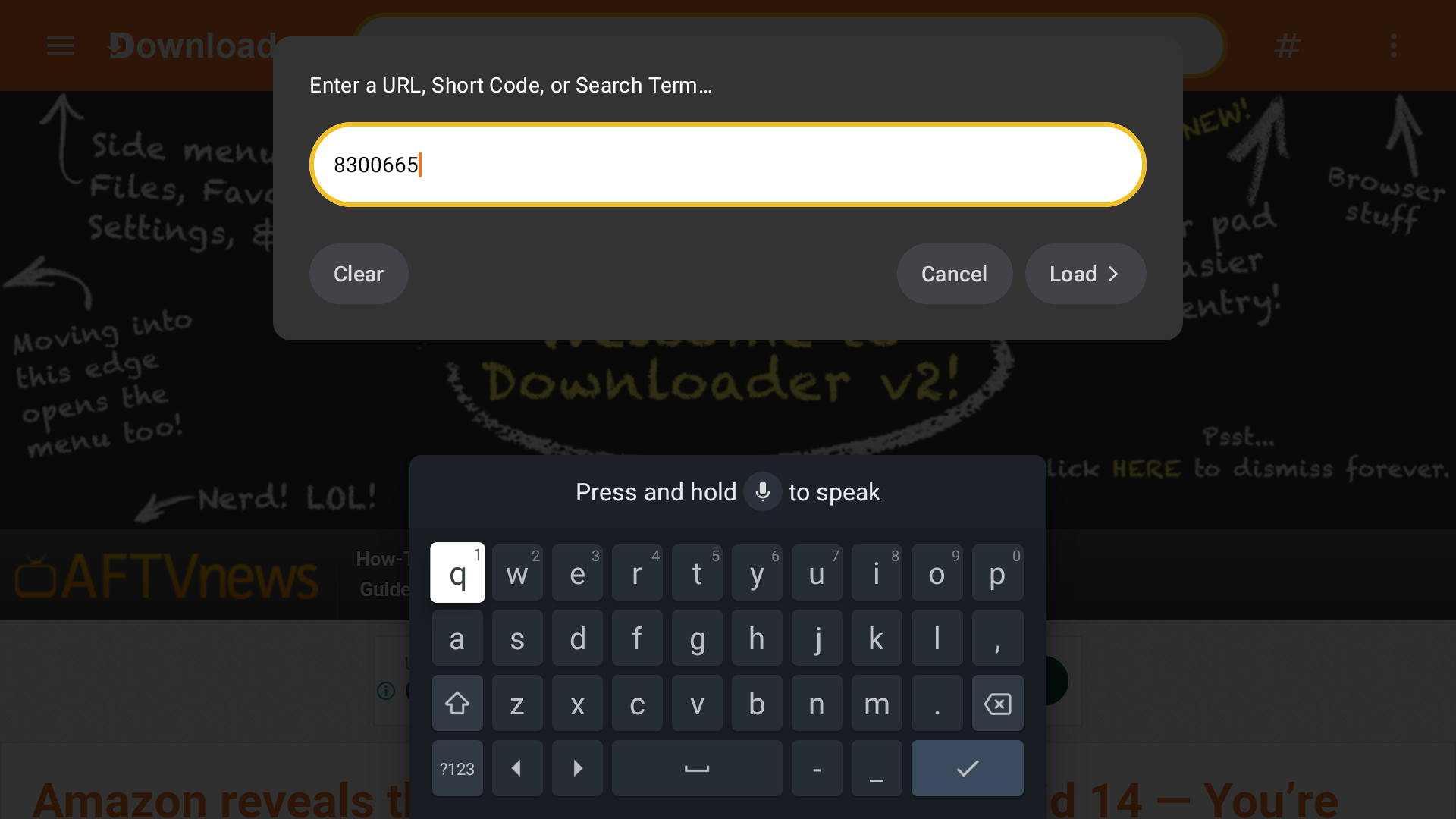
Open the Downloader app.
Enter the official Stremize download code : 8300665 and confirm.
The app will begin downloading Stremize automatically.
Step 3 - Allow Installation if Requested
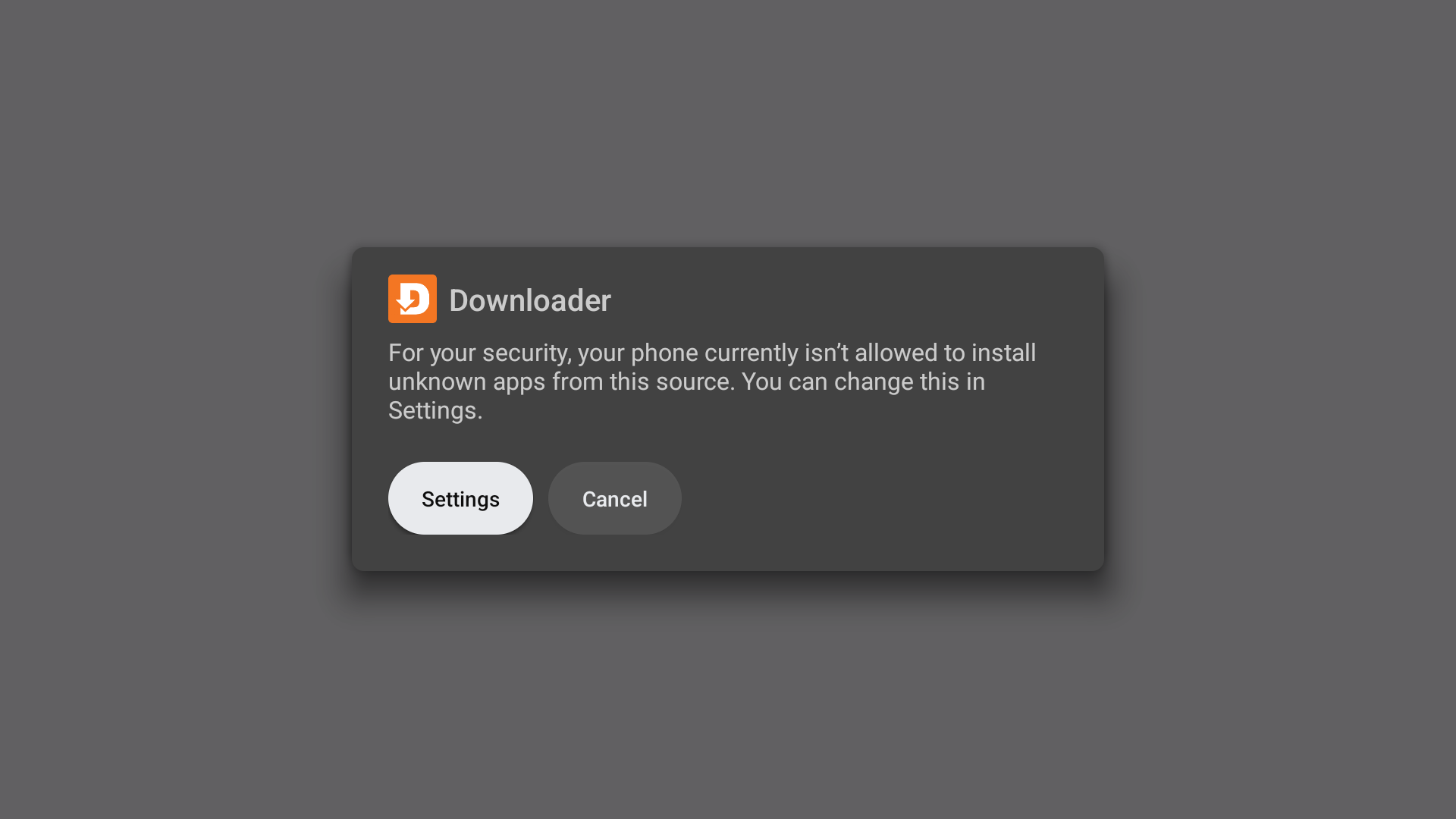
Your TV may ask for permission to install apps from unknown sources.
If this message appears, select Allow, then return to Downloader.
Step 4 - Install Stremize
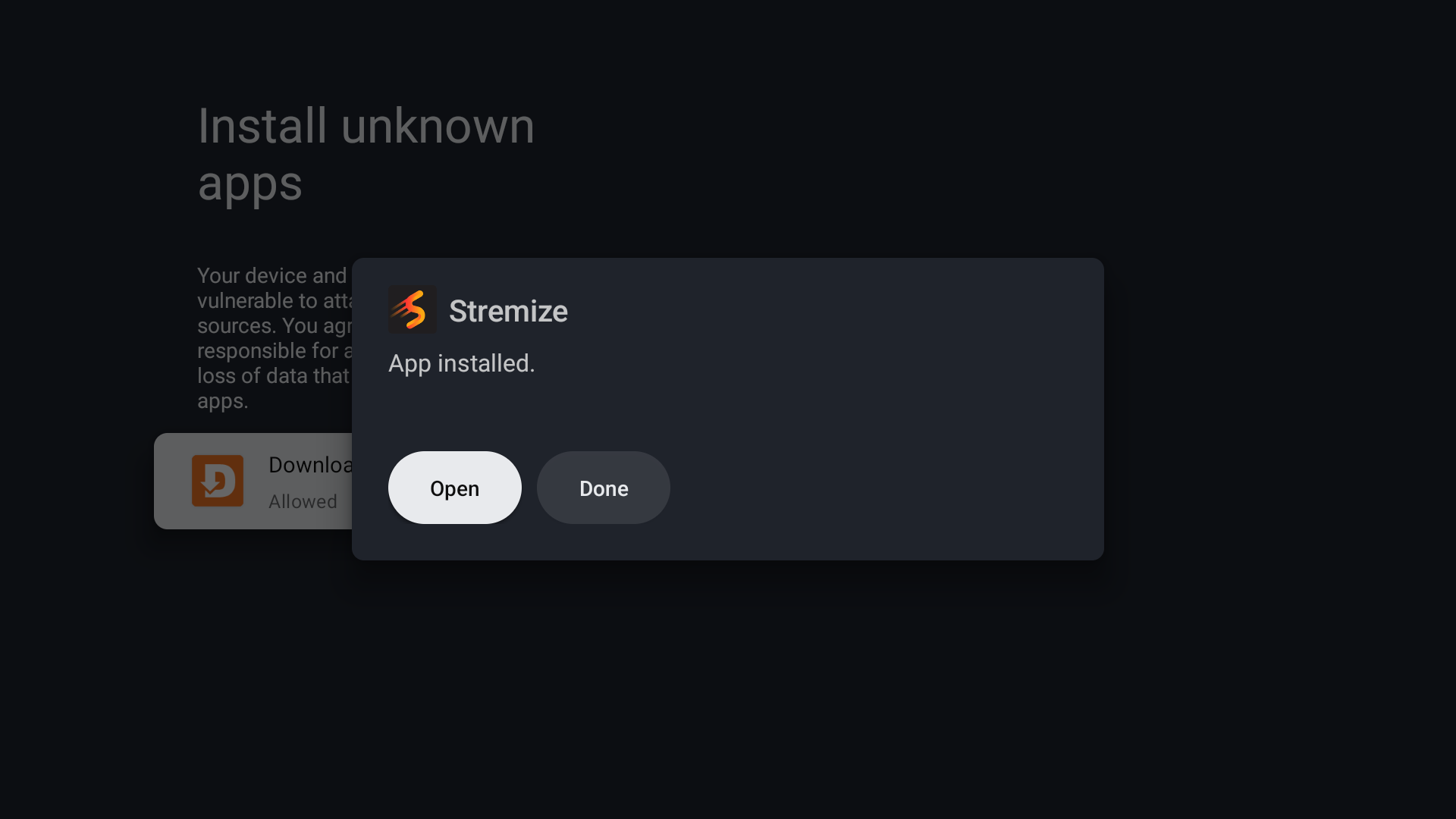
Once the download finishes, the installation screen will appear.
Select Install and wait for the process to complete.
3.2. Method 2 - Install Using a Web Browser
If your TV has a web browser installed, you can download the Stremize app directly.
Step 1 - Open the Browser
Open the browser on your Android TV.
Step 2 - Go to the Stremize Website
Visit the official Stremize download page : https://stremize.com/download
Download the Stremize installation file (TV version).
Step 3 - Install the App
Open the downloaded file and select Install.
If your TV asks for permission to install apps from unknown sources, select Allow.